
Take payment when customers book
Customers pay on your booking page as they book, through your own payment gateway account. The money settles in your bank. You choose whether payment is required and whether to charge the full price or a booking fee. Online payments need the Paid plan.
Your account, your bank
Where does the money go?
Customers pay through your own account with a payment gateway, and the gateway settles the money in your bank. BookingDeskPro never holds your money, and a booking is marked paid only when the gateway confirms the payment.
- Payments go into your own Cashfree or Razorpay account
- BookingDeskPro takes no commission on bookings
- Your gateway keys are stored encrypted
What does the customer see?
Step 1
Book
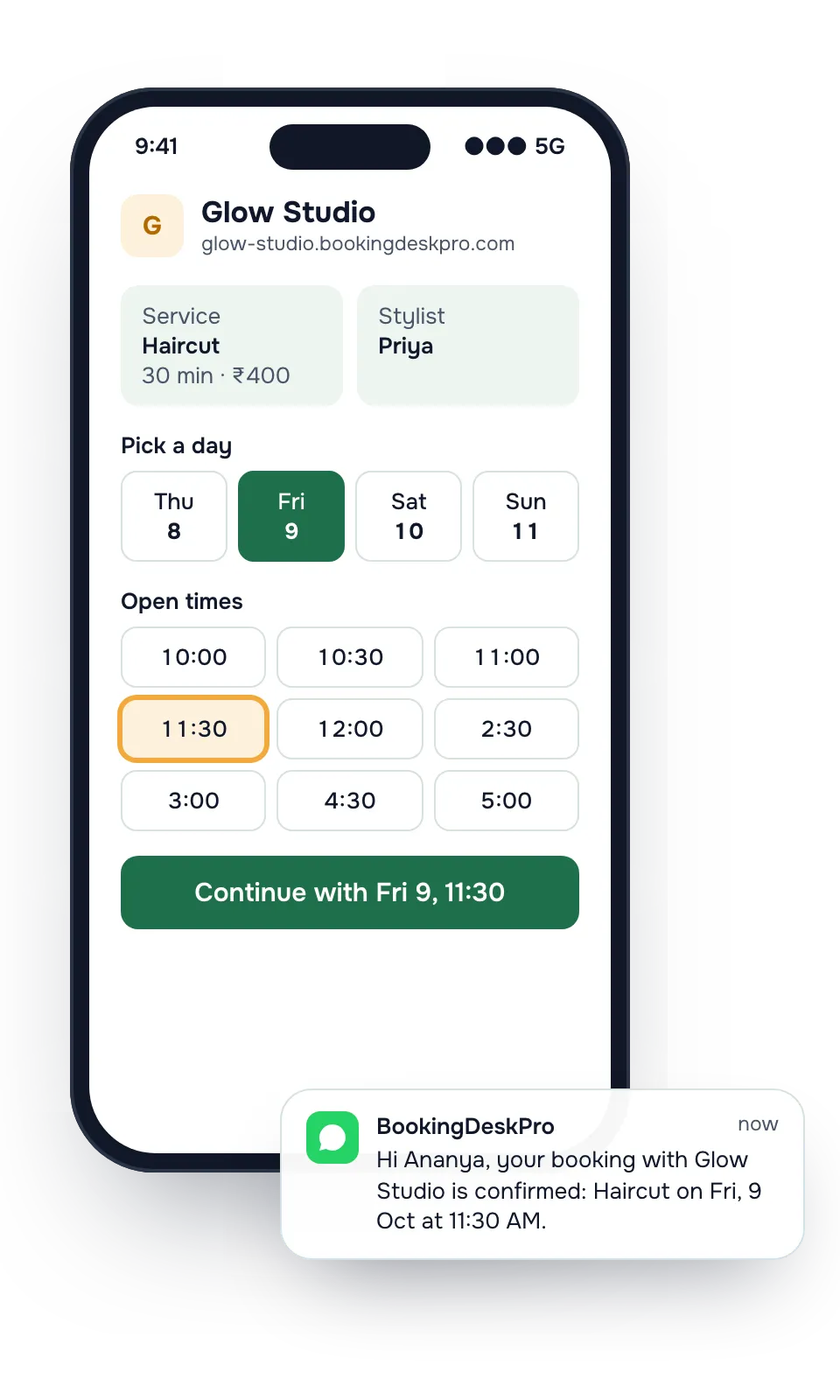
The customer picks a service, a person, and a free time on your booking page.
Step 2
Pay
Your gateway's checkout opens, with the payment methods your gateway offers. The slot is held while they pay.
Step 3
Confirm
Once the gateway confirms the payment, the booking is confirmed and the customer gets a receipt.
To let customers pay later, make payment optional for a location. See how the rest of thebooking page works.
What you control
- Payment required or optional. Choose for each location. With payment required, a booking shows Awaiting payment until the customer pays. With payment optional, the booking confirms at once and the customer can pay later.
- Hold time. Hold the slot for 10 to 60 minutes while the customer pays. An unpaid booking is cancelled when the hold ends, and the slot opens again.
- Full price or booking fee. Choose for each service. A booking fee is part of the price. You can mark it refundable or non-refundable, and the customer pays the balance later.
- Refund rules. Pick how refunds work: staff approve each one, refunds go out automatically, or you give no refunds. Set it for the business, and change it for any location.
Receipts for every payment
BookingDeskPro issues a PDF receipt as soon as a payment is marked paid. Receipts carry your prefix and a number, and the series has no gaps. The customer downloads it from the booking link or the customer portal, and the receipt email attaches it.
The receipt details come from a billing profile: your legal name, address, receipt prefix, and an optional tax ID. Set one default for the business, and give a location its own profile when it needs one. When the profile has a tax ID and the service has a tax rate, the receipt shows the tax lines.
How do refunds work?
When staff cancel a paid booking, they choose a full refund, a partial refund, or none. A customer who cancels sees how much comes back before they confirm.
The Refunds page lists every refund. Staff approve one or reject it with a message, mark a cash refund as handed back, or retry one that failed. Each refund gets its own receipt in the same number series, naming the original receipt.
Payments at the counter
Some customers still pay in person. Staff open the booking, choose Record payment, and pick cash, card, UPI, or another method. They can email the customer a receipt. Online and counter payments sit on the same booking, so the front desk sees what is still due.
How do I turn on online payments?
- Move to the Paid plan. Collecting payments needs thePaid plan. Managing refunds does not.
- Open a Cashfree or Razorpay account. The gateway reviews your business before it approves the account.
- Share your policy pages. Your booking site already has contact, terms, privacy, and refund policy pages, which gateways ask to see during approval.
- Connect the account in settings. Add a billing profile, then choose the payment rules for each location and service.
Online payment questions
Does BookingDeskPro take a commission on payments?
No. Customers pay into your own payment gateway account, and the gateway settles the money in your bank. BookingDeskPro never holds the money. Your gateway charges its own fees under your agreement with it.
Which payment gateways can I connect?
Cashfree and Razorpay. Customers pay with the methods your gateway's checkout offers on your account.
Can customers pay a booking fee instead of the full price?
Yes. For each service, choose the full price up front or a booking fee that is part of the price. Mark the fee refundable or non-refundable. The customer pays the balance later, online or at the counter.
What happens if a customer does not finish paying?
When payment is required, the slot is held for the time you set, from 10 to 60 minutes. If the customer has not paid by then, the booking is cancelled and the slot opens again. A payment that arrives after that is refunded.
Can customers pay later instead of when they book?
Yes, when you make payment optional for a location. The booking confirms at once, and the customer can tap Pay now on the booking link or in the customer portal until the appointment starts.
How does BookingDeskPro know a payment went through?
A booking is marked paid only when the gateway confirms the payment. BookingDeskPro checks the signature on the gateway's message and also checks pending payments against the gateway's records.
Can I add tax to receipts?
Yes. Add your tax ID to the billing profile and a tax rate to the service, and the receipt shows the tax lines.
Put your booking link in your Instagram bio today
Set-up asks four questions: your business name, your type of business, who customers book, and where they come. Then copy the link and share it.