
Fewer calls, fewer no-shows, and one list for every booking
BookingDeskPro gives small businesses in India an online appointment booking page, reminders on WhatsApp and email, and one front desk list of every booking. Customers book themselves from your link, get reminded before they come, and your staff run the day from one screen. Start free, with no payment needed.
Booking page
Customers book while you work
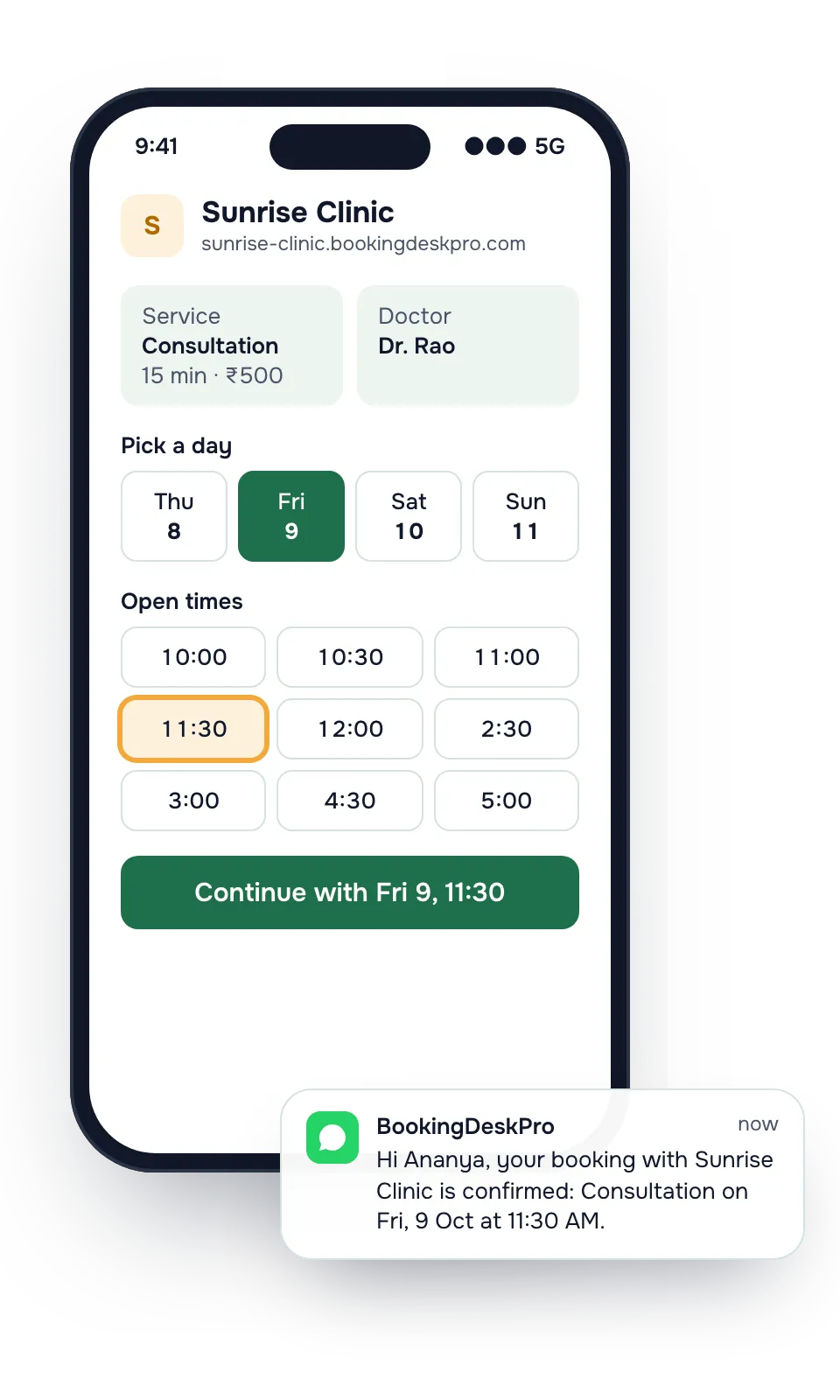
Your link shows your services, your people, and only the times that are free. Customers book at any hour, on their phone, without calling you.
- Your own address, such as yourname.bookingdeskpro.com
- No website and no customer account needed
- Share it in your Instagram bio, WhatsApp Business profile, and Google Business Profile
WhatsApp notifications
Fewer people forget to come
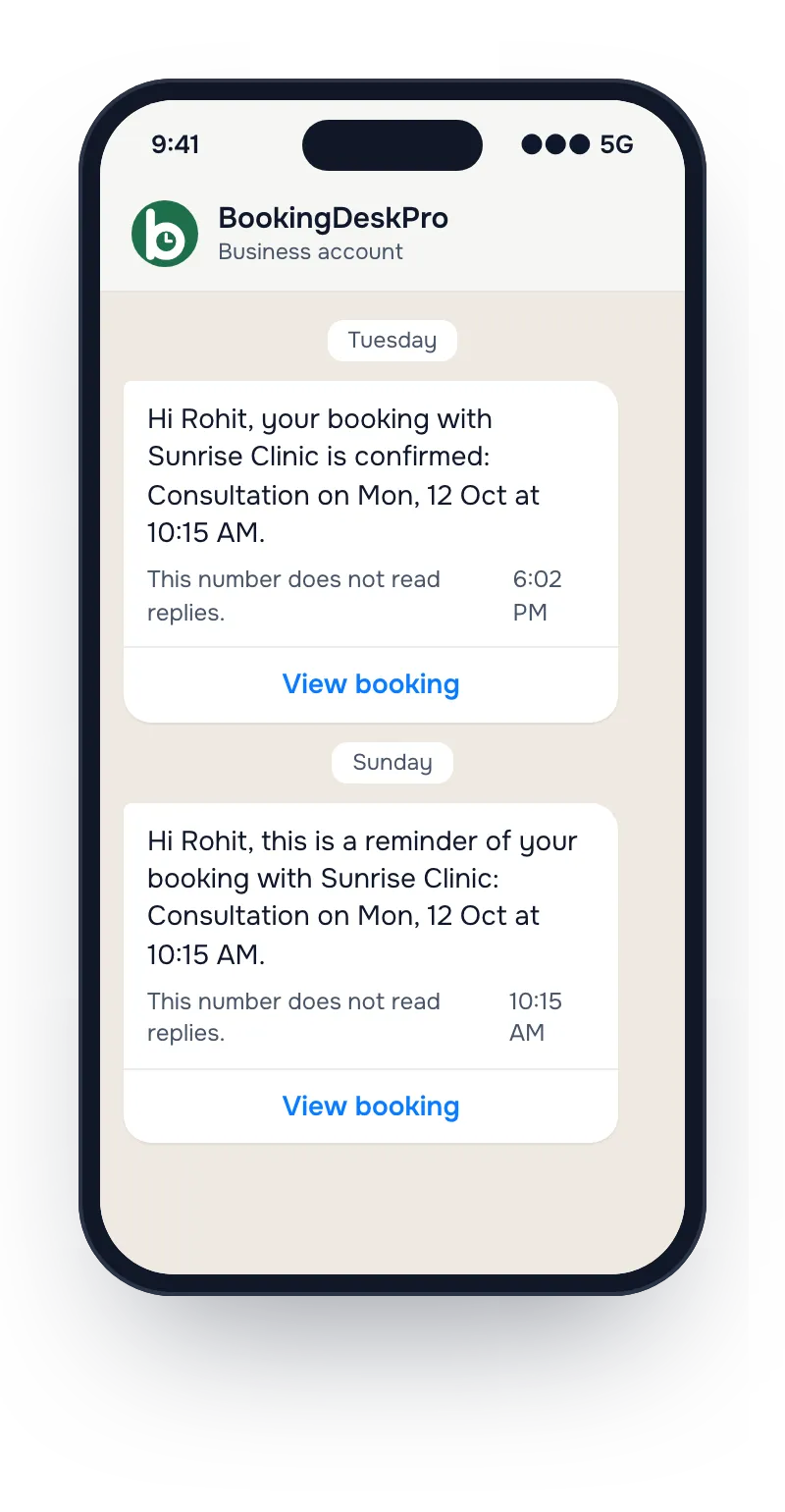
Every booking sends a confirmation, then reminders 24 hours and 4 hours before. You do not send anything by hand.
- Email on every plan, and WhatsApp on the Paid plan
- A View booking button to reschedule instead of not turning up
- A message when you approve, reschedule, or cancel
Front desk
One list replaces the register
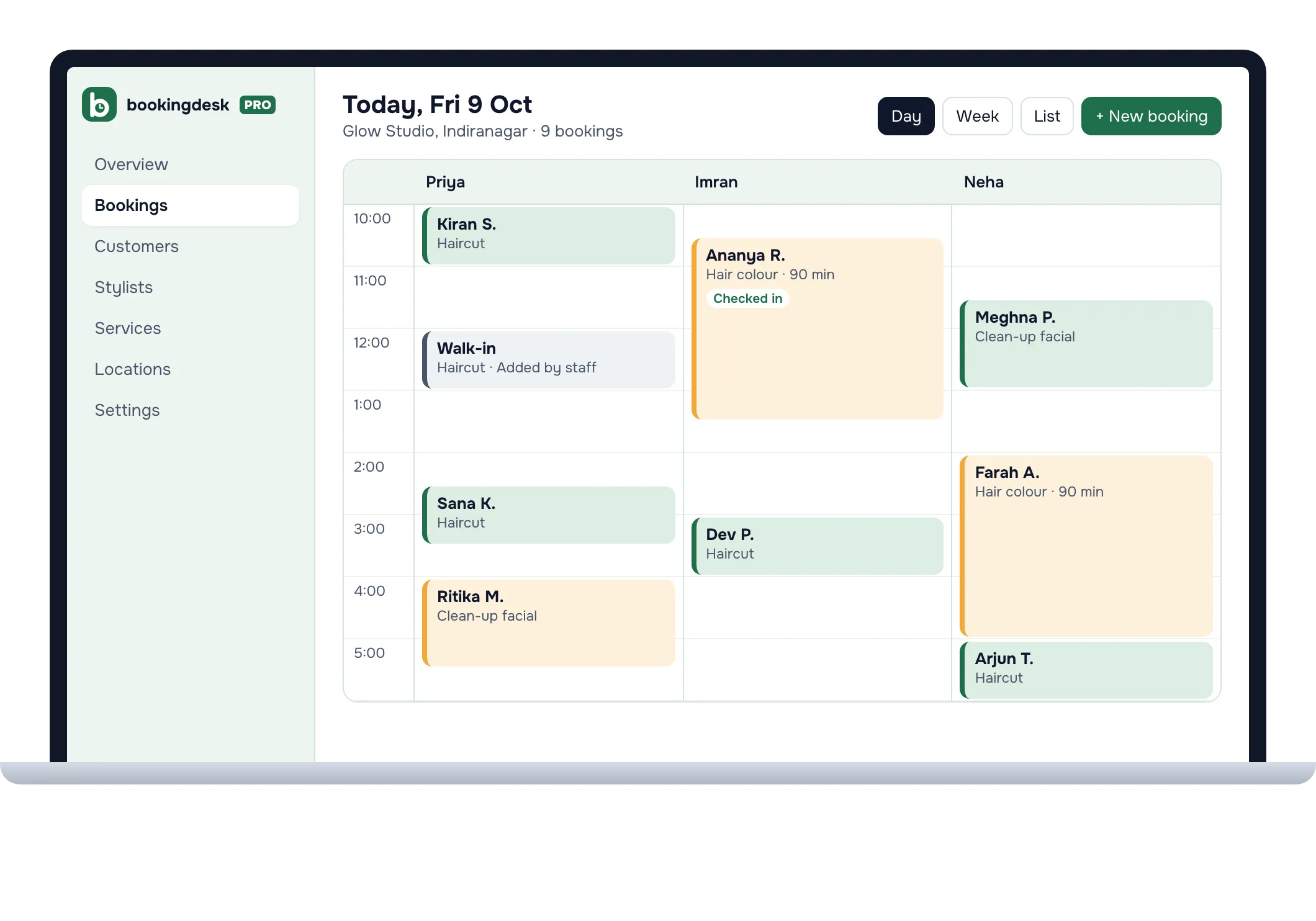
Online bookings, phone bookings, and walk-ins land on the same list, by day, by person, and by branch, so a slot cannot be booked twice.
- Add a walk-in or a phone booking in a few taps
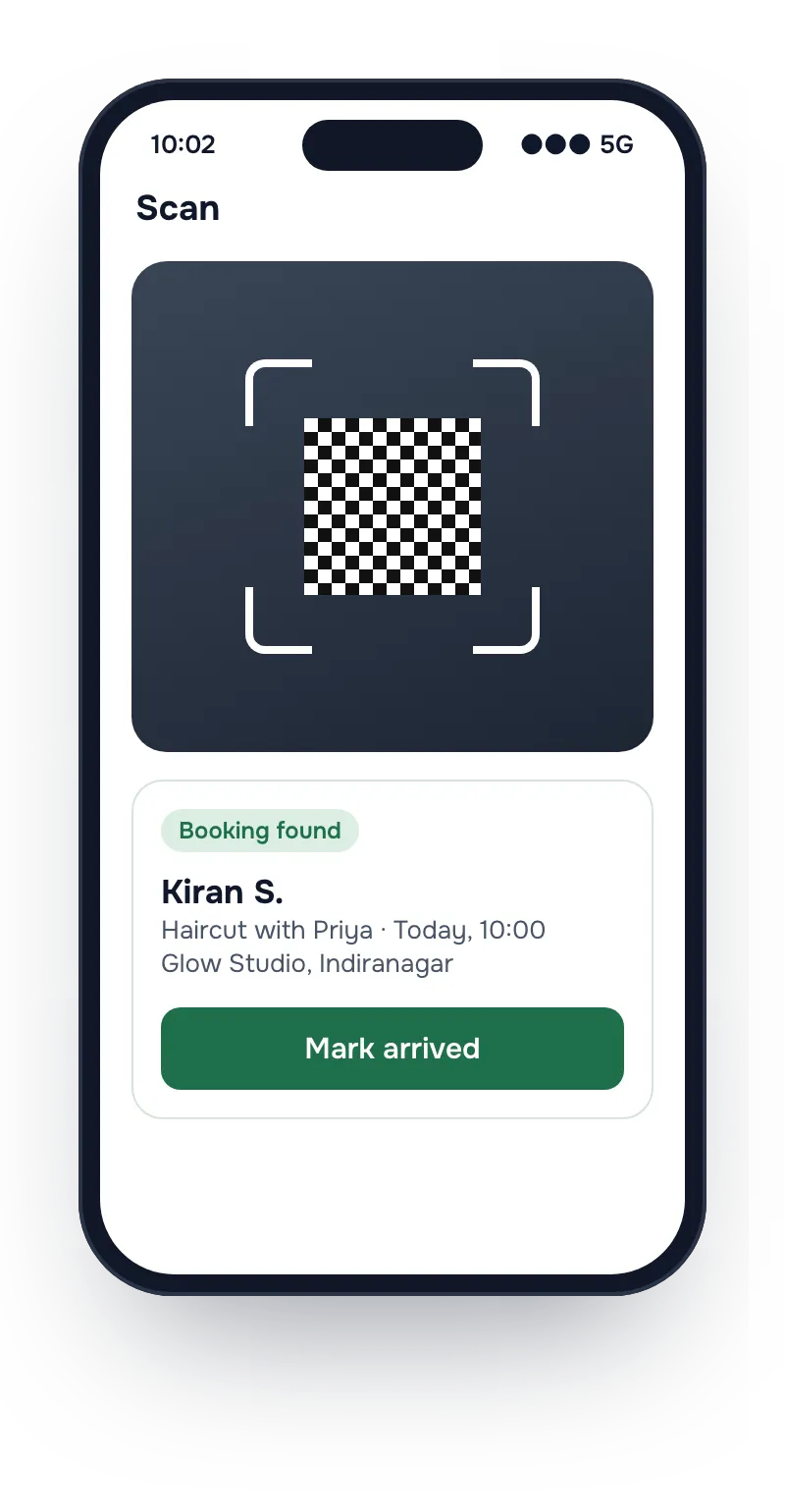
- Check customers in by scanning the QR code on their receipt
- Approve or decline requests before they are confirmed
Everything else that comes with it
Branches, more calendars, and WhatsApp need the Paid plan. Everything else is on the Free plan too.
For your customers
- Pick a person or Any available
They choose a stylist, a doctor, or a tutor, or let you assign whoever is free.
- A receipt they can keep
Add it to their phone calendar, save it as an image, or open it from a private link.
- Reschedule or cancel themselves
Within the cut-off you set, so you hear about a change before the slot is wasted.
- Find my booking
A booking reference and the phone number or email they booked with open the booking.
- All their bookings in one place
Customers sign in with a one-time code sent to their email. There is no password to forget.
- Online sessions
Offer a service Online, with no address, beside your in-person branches.
For your front desk
- Day and week views
One column for each person, with walk-ins and checked-in customers marked.
- QR check-in
Open Scan in the app and point the camera at the customer's receipt.
- Approve requests first
With approval on, new bookings wait for you, and the customer hears back either way.
- Customer not notified
When a change reaches neither email nor WhatsApp, the booking is marked, so you know whom to call.
- Customer records
Each customer's bookings and contact details in one record, visible only to your business.
- Hours and leave
Set weekly hours for each person and add leave once. Those slots stop showing.
For the owner
- Several branches
Each branch has its own address, hours, and booking rules, all in one account.
- Staff roles
Owner, admin, member, or viewer, and a member can be limited to the branches they work at.
- No login needed to be booked
A doctor or a stylist can be booked without ever signing in. The front desk runs their calendar.
- Rules you control
Minimum notice, how far ahead people can book, and a cut-off for changes.
- One price for the business
The price is the same for any number of staff or branches. Staff logins are never charged, and bookings are unlimited.
- Fair WhatsApp counting
A WhatsApp notification counts only when it is delivered. Undelivered ones are free.
Coming soon: online payments when customers book, and an AI receptionist that answers your customers' questions and books them in a chat.
One price for the whole business
No fee on your bookings and no charge per staff member. Pay once a year when you add people, branches, or WhatsApp.
Free
₹0 forever
One branch and one calendar, unlimited bookings, your booking page, and email reminders.
Paid
₹5,999 a year + 18% GST
Unlimited branches, 5 calendars, and 1,000 WhatsApp notifications a year. About ₹500 a month.
Feature questions
Can customers reschedule or cancel a booking themselves?
Yes. The receipt and every reminder link to the booking, where the customer can pick a new time or cancel. Changes close at the cut-off you set, and after that the customer calls you.
Can I approve a booking before it is confirmed?
Yes. Turn on approval and each new booking waits on your list as a request. The customer gets a message when you approve or decline it.
Can I take bookings for online sessions?
Yes. Add a location marked Online, which needs no address, and offer your services there beside your in-person branches.
What happens if a reminder does not reach the customer?
When a change to a booking reaches the customer by neither email nor WhatsApp, the booking shows Customer not notified, so your staff know to call.
See your own booking page in a few minutes
Set-up asks four questions: your business name, your type of business, who customers book, and where they come. Then copy the link and share it.