
For doctors and clinics
Doctor appointment booking for clinics
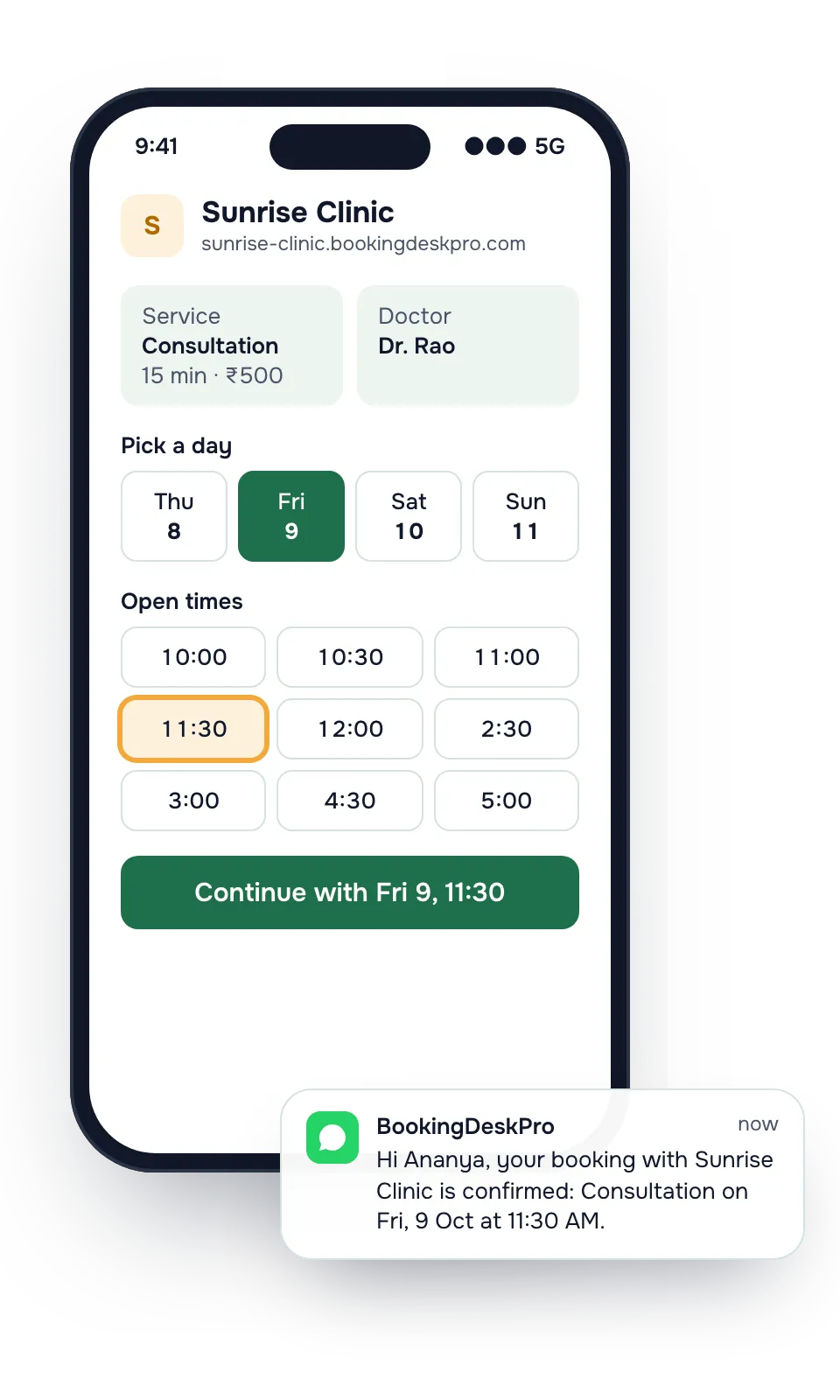
Patients book a consultation slot with the doctor they want, from a link on Google Maps or your WhatsApp. Your front desk keeps every doctor's schedule, and doctors do not need to log in. Small hospitals and nursing homes use it for their outpatient desk.
What changes for your OPD desk
Today
With BookingDeskPro
Today: The phone rings through the OPD hours, and the front desk cannot answer every call.
With BookingDeskPro: Patients see the open slots and book online. The front desk books callers from the same list.
Today: A doctor's leave is on a sticky note, and patients still get booked that day.
With BookingDeskPro: Add the time off once, and those slots disappear from the booking page.
Today: Patients forget follow-ups and do not come back.
With BookingDeskPro: Each booking sends a confirmation and reminders, with a link to reschedule instead of skipping the visit.
OPD morning at Sunrise Clinic
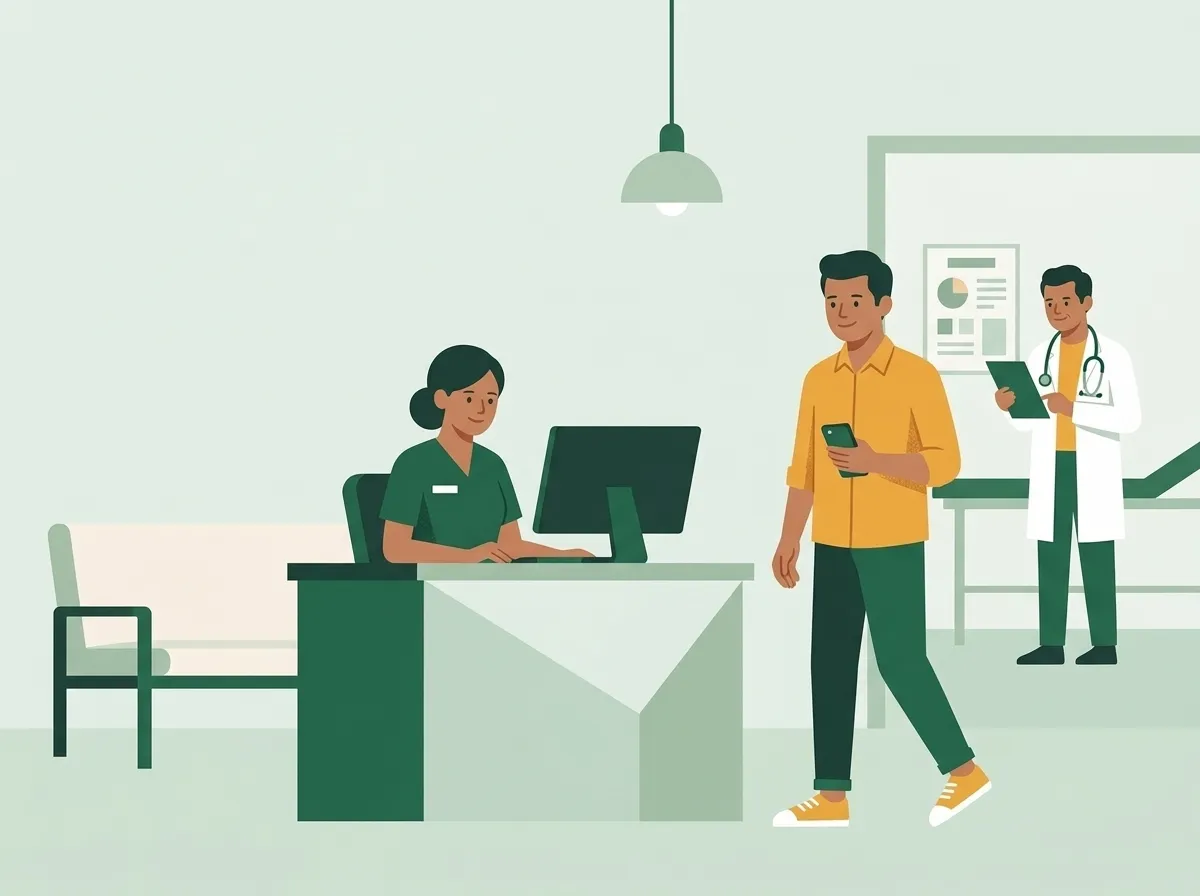
At 9:45 the front desk opens today's list for each doctor. Patients who booked online are already there. When a patient arrives, staff scan the QR code on their receipt to find the booking and mark them checked in.
What you get
- Your own booking page and a link to share
- A calendar for each of your doctors, with their own hours, leave, and services
- Confirmations and reminders by email, and by WhatsApp on the Paid plan
- A private link in every message to reschedule or cancel
- Staff logins for your front desk at no extra cost
Example services
You set your own services, lengths, and prices. These are examples.
| Service | Length | Price |
|---|---|---|
| Consultation | 15 min | ₹500 |
| Follow-up visit | 10 min | ₹300 |
| Health check-up | 30 min | ₹1,200 |
Your doctors: Dr. Rao, Dr. Menon, Dr. Shah. Customers can pick one, or choose Any available and get whoever is free at the time they pick.
How does the front desk work alongside online booking?
Online bookings and desk bookings land on one list per doctor, so there is no second register to reconcile.
- A patient who phones is booked by staff into the same free slots the website shows.
- A patient who walks in is added to the doctor's next gap.
- A patient who arrives with a booking is found by reference or by scanning the QR code on the receipt.
Which visits get which slot length?
A first consultation, a follow-up, and a health check-up rarely take the same time. Set a length for each, and the page offers only the times that fit. A doctor who sees follow-ups faster can have a shorter length for that service.
What if the clinic has more than one branch?
Add each branch as a location in the same account. A doctor can be offered at one branch or at several. You can limit a front desk member to the branch where they work, so they see only that branch's bookings.
Clinic owners ask
Is BookingDeskPro clinic management or medical records software?
No. BookingDeskPro manages appointments and the notifications around them. It does not store prescriptions, case notes, or medical records, so you can keep your records software for that.
Our doctors never log in. Can the front desk manage everything?
Yes. Each doctor is a calendar, not a user account. Front desk staff manage every doctor's hours, leave, and bookings. A doctor can get a login later to see their own schedule.
Can we approve bookings before they are confirmed?
Yes. Turn on approval in booking settings. Patients then get a message that their request was received, and another when you approve or decline it.
We have two branches. Is that one account?
Yes. On the Paid plan you add every branch to one account, at no extra cost for the branch. You can limit a staff member to the branches they work at.
What does a patient receive after booking?
A confirmation with the doctor, the time, a booking reference, and a private link to reschedule or cancel. Reminders follow before the visit, by email and on the Paid plan by WhatsApp.
Many of our patients do not use smartphones. Does that work?
Yes. The front desk can book anyone from the console, and the patient's phone number is on the booking. A patient who forgets the time can look it up with Find my booking, using the reference and the phone number or email.
See how other businesses use it
Create your booking page and share it today
Add your doctors, their hours, and your services. Then copy the link into your Instagram bio and WhatsApp status.