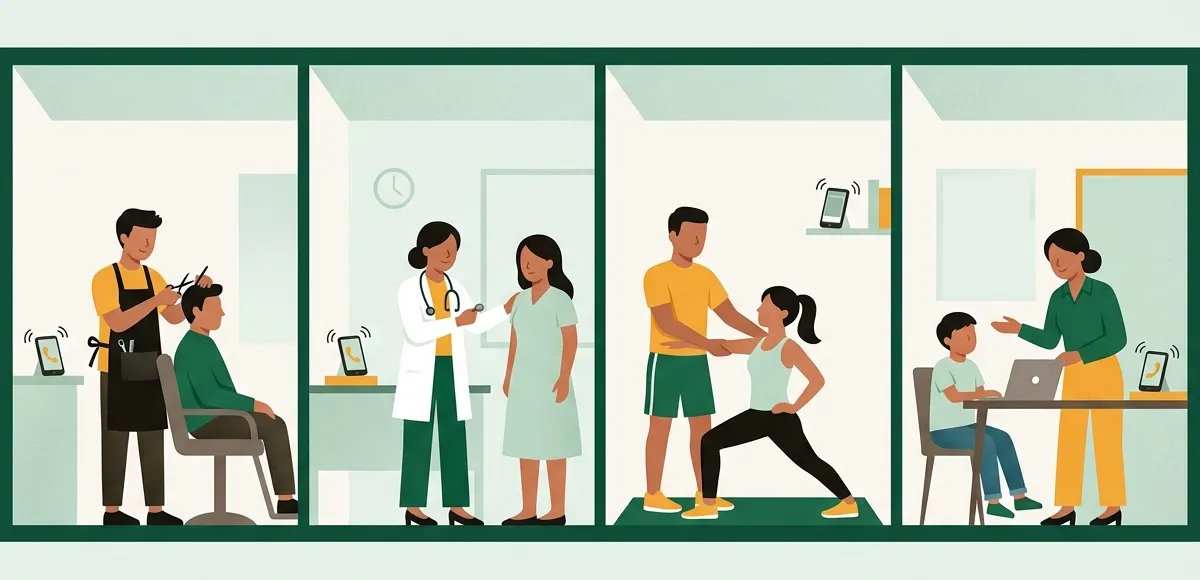
BookingDeskPro is free online appointment booking software for small businesses in India. Customers book themselves from your own booking link at any hour, and get email reminders, plus SMS/WhatsApp updates on the Paid plan, so fewer forget to come. It suits salons, clinics, studios, tutors, and consultants.
How do I take appointments online for my salon or clinic?
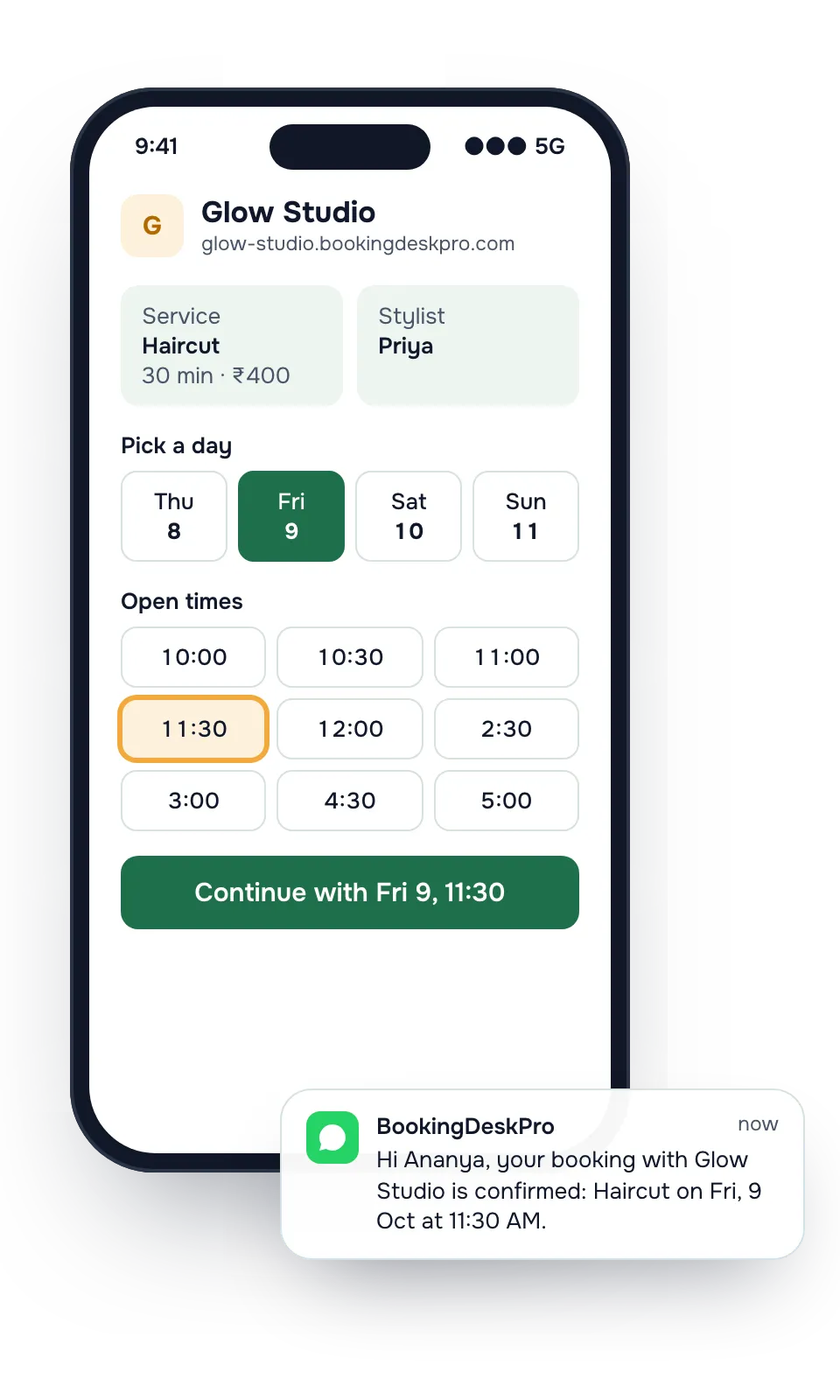
Share one booking link. Customers pick a service, a person, and a free time, and the booking lands on your list, so you take bookings without answering every call.
Calls you miss while you work
A customer who cannot get through books somewhere else. With a link, they book the open slot without waiting for you.
Chats that take five messages
"Is 5 free tomorrow?" becomes a booking page that shows only the times that are free.
Appointments people forget
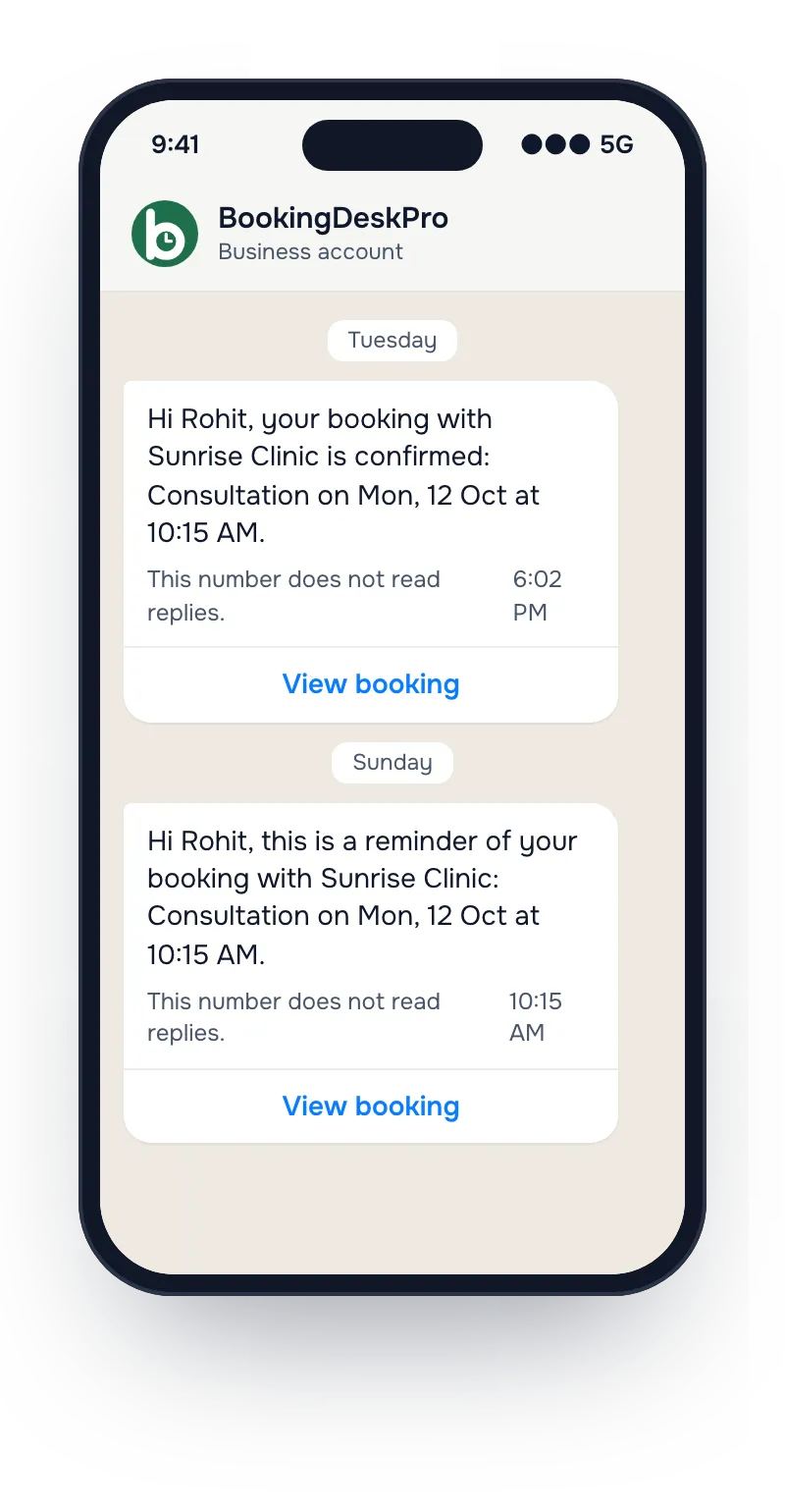
Reminders go out 24 hours and 4 hours before, with a link to reschedule instead of not turning up.
From sign-up to your first online booking
Set-up asks four questions. There is no call with a salesperson and nothing to install.
Step 1 of 3
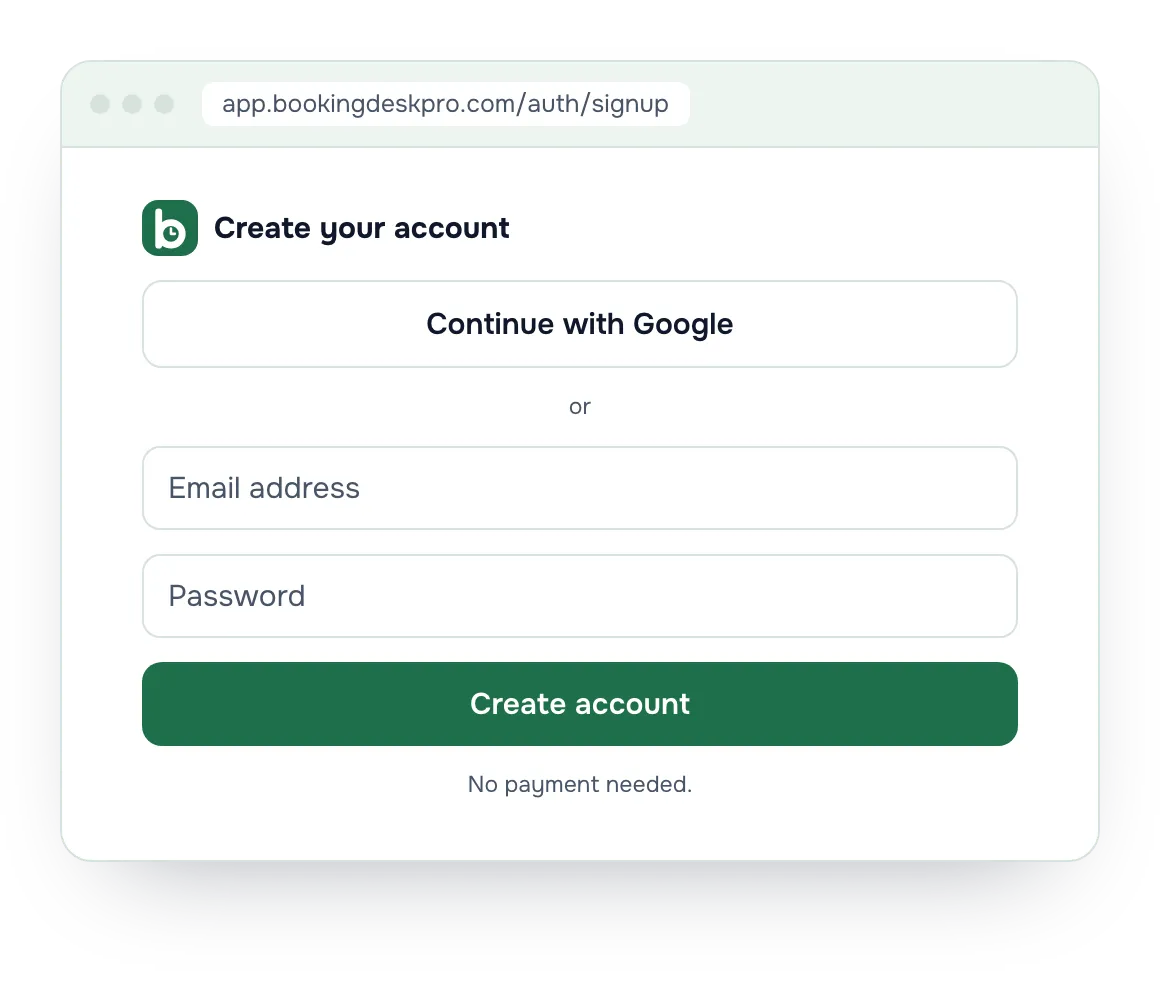
Create your account
Sign up with Google, or with an email address and a password. No payment needed.
Free plan, no time limit
Step 2 of 3
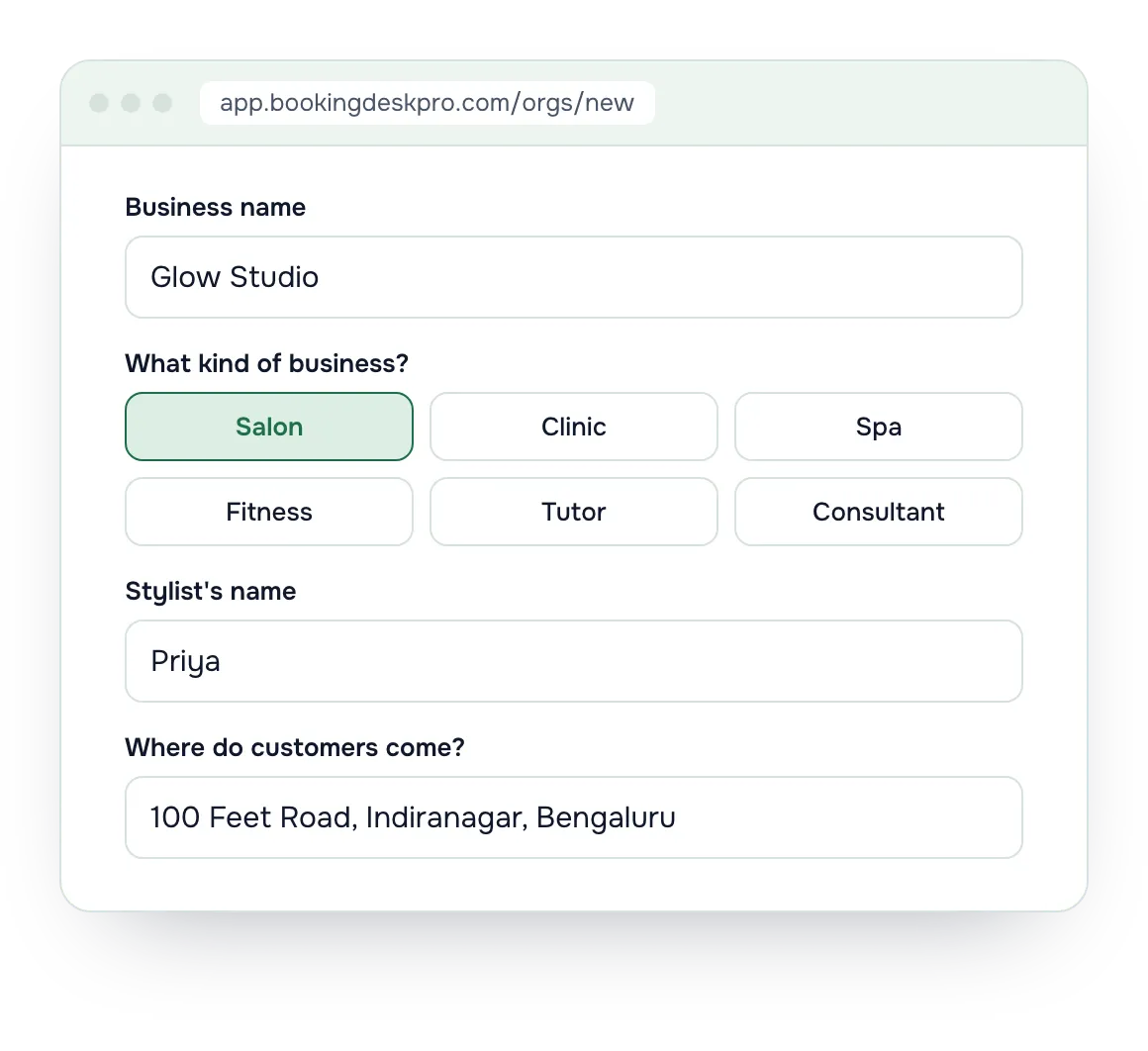
Answer four questions
Your business name, your type of business, who customers book, and where they come, or Online. Hours and a first service are filled in for your type, and you can change them later.
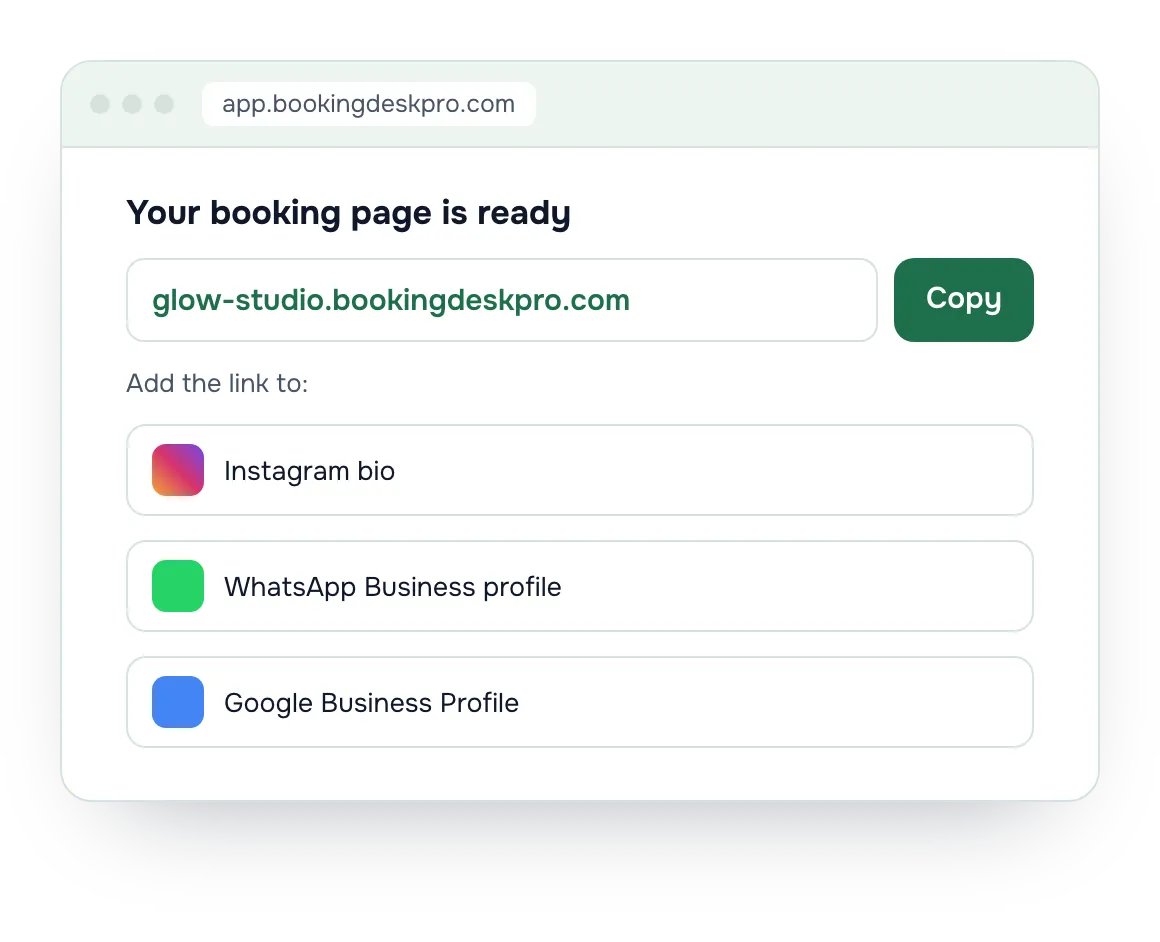
Your booking page is ready
Step 3 of 3
Share your link
Put it in your Instagram bio, your WhatsApp Business profile, and your Google Business Profile. Or print a QR code for the waiting room. Customers book from there, and the booking shows on your list.
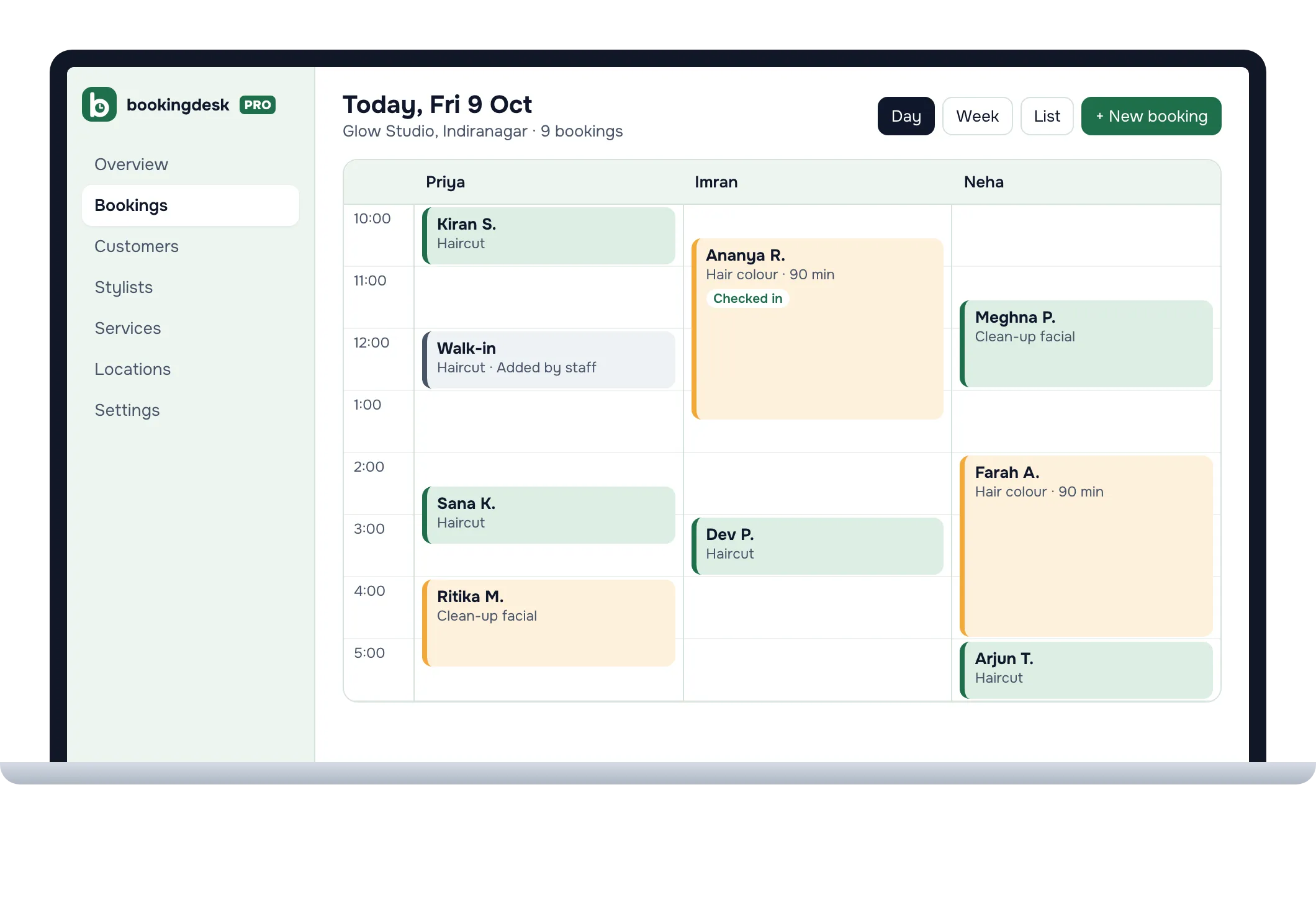
By day, by person, and by branch. Add walk-ins and phone bookings from the same screen.
Check-in at the front desk
Open Scan in the app and point the camera at the QR code on a customer's receipt to find the booking and mark them arrived.
Rules you control
Minimum notice, how far ahead people can book, a cut-off for changes, and approval before a booking is confirmed.
Staff app for Android
The BookingDeskPro app is for you and your front desk. Customers still book in their browser, with nothing to install.
View and manage your bookings from your phone.
Scan the QR code on a customer's receipt to check them in.
Get a notification when a booking is new, rescheduled, cancelled, or waiting for your approval.
Is there an appointment booking app for my kind of business?
Your page shows your name, your logo, and your prices, and it is set up for your kind of business: a salon's page asks for a stylist, a clinic's for a doctor, and a tuition class's for a tutor.
Need more on the Paid plan? An extra calendar is ₹999 a year. A pack of 2,500 SMS/WhatsApp notifications is ₹999. Prices exclude GST.
Questions about online appointment booking
Is BookingDeskPro free?
Yes. The Free plan has no time limit and takes no commission. It covers one location and one calendar, with unlimited bookings and email notifications. You pay only when you need more calendars, more locations, or SMS/WhatsApp notifications, on the Paid plan at ₹5,999 a year plus GST.
Which businesses can use BookingDeskPro for appointments?
Any business that takes appointments: salons, spas, clinics, dental clinics, pet clinics, fitness and yoga studios, tutors and coaching classes, and consultants. Set-up fills in hours and a first service for your type of business, and you can change them.
Do I pay a commission on bookings?
No. BookingDeskPro takes no commission on bookings on either plan. You pay only the yearly price of the Paid plan, if you choose it.
Do I need a website to take online bookings?
No. Every business gets its own booking page, such as yourname.bookingdeskpro.com. Share the link on Instagram, WhatsApp, or your Google Business Profile. If you have a website, point its Book now button at your main booking page, or at the link for one branch, person, or service.
How do my customers get reminders?
Customers get a confirmation when they book, and email reminders 24 hours and 4 hours before the appointment. Email goes out on both plans when the customer gives an email address. On the Paid plan, customers also get an SMS or WhatsApp message when a booking is confirmed, rescheduled, or cancelled. Reminders go by email only.
What is a calendar?
A calendar is anything a customer books: a stylist, a doctor, a tutor, a trainer, or a room. Each calendar has its own hours and services. You can change the word in Settings, for example to Neurologist, Stylist, or Room, and your booking page uses it. Calendars are not logins, so a doctor who never signs in still has a calendar your front desk manages.
Can I send customers to a specific branch or doctor?
Yes. Each location, person, and service has its own link and QR code, such as yourname.bookingdeskpro.com/l/branch-name/. The link opens your booking page with that choice already made. Links and QR codes are on both plans.
Do my customers need to download an app?
No. Customers book in their phone's browser with their name and a phone number or email. Each booking gets a private link to view, reschedule, or cancel it, without a password. You and your staff can use the free BookingDeskPro app for Android.
Can I use one account for more than one branch?
Yes, on the Paid plan. Locations are unlimited, and the 5 included calendars are shared across every branch. Each branch can have its own hours, address, and booking rules.
Put your booking link in your Instagram bio today
Set-up asks four questions: your business name, your type of business, who customers book, and where they come. Then copy the link and share it.