
Booking updates by SMS or WhatsApp, reminders by email
When a booking is confirmed, rescheduled, or cancelled, your customer gets a message on their phone with a private link to the booking. Email goes out too, with reminders before the visit. You choose whether to notify on each action.
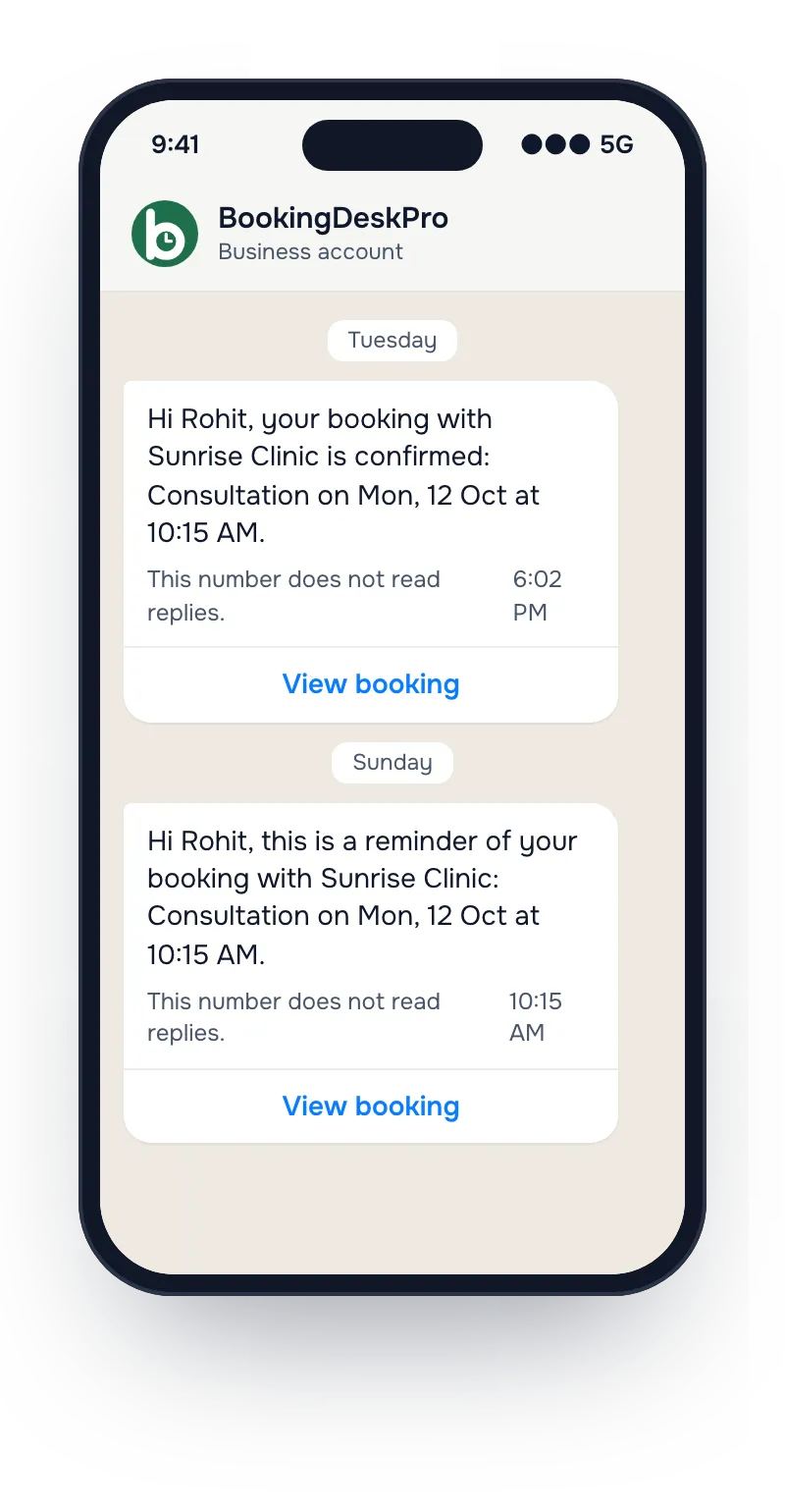
What customers get, and when
Booking confirmed
The customer gets the business name, the booking reference, the time, and a private link to the booking. A request that needs approval sends this message when you approve it.
Booking rescheduled
When staff move a booking, the customer gets the new time and the same private link.
Booking cancelled
When staff cancel a booking, or decline a request, the customer gets a message right away.
You choose each time
On every action, staff choose whether to notify the customer. Notify is the default, and each SMS/WhatsApp notification uses one from your balance.
Email always goes too
Customers who gave an email address get the same update by email, plus email reminders 24 hours and 4 hours before the appointment, on both plans.
What do SMS/WhatsApp notifications cost?
The Free plan sends email only. The Paid plan, at ₹5,999 a year + 18% GST, adds 1,000 SMS/WhatsApp notifications with each yearly payment. When you need more, a pack of 2,500 costs ₹999 + GST. They do not expire while your account is active.
Notification questions
What counts as one SMS/WhatsApp notification?
One message to a customer when a booking is confirmed, rescheduled, or cancelled counts as one. A declined request counts as cancelled. A message that is not delivered does not count.
Are reminders sent by SMS or WhatsApp?
No. Reminders go by email, 24 hours and 4 hours before the appointment. SMS/WhatsApp notifications cover only a confirmed, rescheduled, or cancelled booking.
Does a customer get a message when they change their own booking?
No. When a customer reschedules or cancels in their portal, they see the change on screen, and no SMS/WhatsApp notification is sent or counted.
What happens when the notifications run out?
Bookings and email carry on as before. SMS/WhatsApp messages stop until you buy a pack or your next yearly payment adds more.
Turn on reminders with your first booking
Start on the Free plan with email reminders. Upgrade to Paid when you want SMS/WhatsApp updates too.